 Rayo PDF GO
How to Convert a PDF to Word Without Losing Your Mind
Converting a PDF to Word lets you edit text, fix tables and reuse content. But not every conversion turns out the same, and knowing the limits up front saves you a lot of frustration.
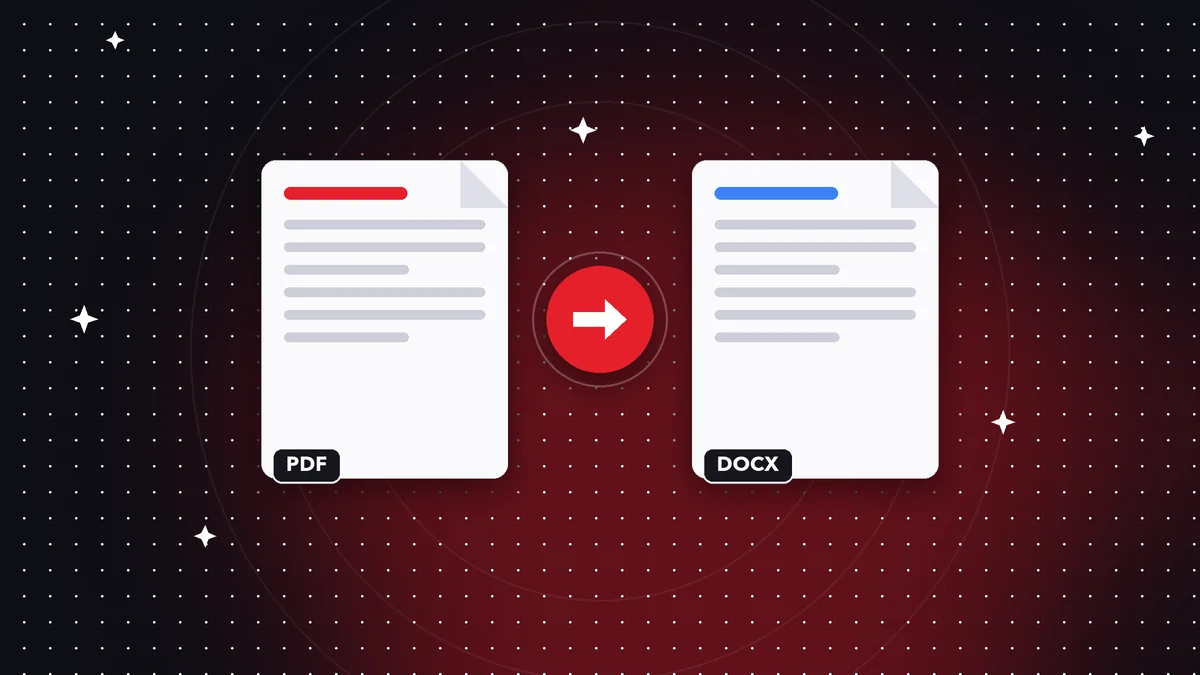
What is kept and what is not
Text and simple tables carry over. Styles, special fonts and the exact layout can change, because a PDF is designed to be viewed, not edited.
Step by step
Open Convert PDF, choose your file and the output format (Word, Excel, PowerPoint, TXT or Markdown), convert and save.
How to get a better result
Start from a PDF with real text, not an image. If your document is a scan, run OCR first so the text can be recognized.
Check tables and headings after converting: a quick tweak is usually all it takes.
Word, Excel or PowerPoint: which one to choose
Choose Word when you want to edit running text: letters, contracts, reports. Excel works best for documents whose information is laid out in simple tables, such as lists or statements. PowerPoint creates one slide per page, keeping each page as an image, which is ideal for reusing a presentation.
Text and Markdown are useful when you only need the content, with no formatting, to paste into another tool.
What to expect from the result
No PDF-to-Word conversion is perfect, because a PDF stores where each letter goes, not the structure of the document. That is why the text and reading flow are preserved, but complex styles, multiple columns or text boxes may need a manual fix.
Check the headings, tables and lists after converting: a few minutes is usually enough to get it ready.
If your PDF is a scan
A scan is an image, not text. Before converting it, run OCR to recognize the letters; after that, the text can be exported to Word. Without OCR, the resulting file would contain only images.
Do it on your device: your files are never uploaded to any server.
Use PDF to Word, Excel & PowerPoint
Frequently asked questions
Does it keep the exact formatting?
Not always: it keeps text and simple tables, not the exact design.
What if my PDF is a scan?
Run OCR before converting.
Is it free?
Converting to Office formats is a Premium feature.
Is converting to Word free?
It is a Premium feature; converting to text and images is free.
Are my files uploaded?
No, the conversion happens on your device.
Keep reading
 GuideHow to Sign a PDF on Your Phone or Computer
Draw your signature, place it in the right spot, and save the signed PDF. What kind of signature it is and whe…
Read article › GuideHow to Remove a Password From a PDF (When You Know the Password)
Remove the protection from a PDF whose password you know, so it opens without asking for it every time. A quic…
Read article › GuideHow to Password Protect a PDF: Step-by-Step Guide
Encrypt a PDF with a password so only the right person can open it. How to choose a strong password and share …
Read article ›