 Rayo PDF GO
How to Sign a PDF on Your Phone or Computer
There's no need to print, sign by hand, and scan anymore. You can sign a contract or a form in seconds right from your screen.
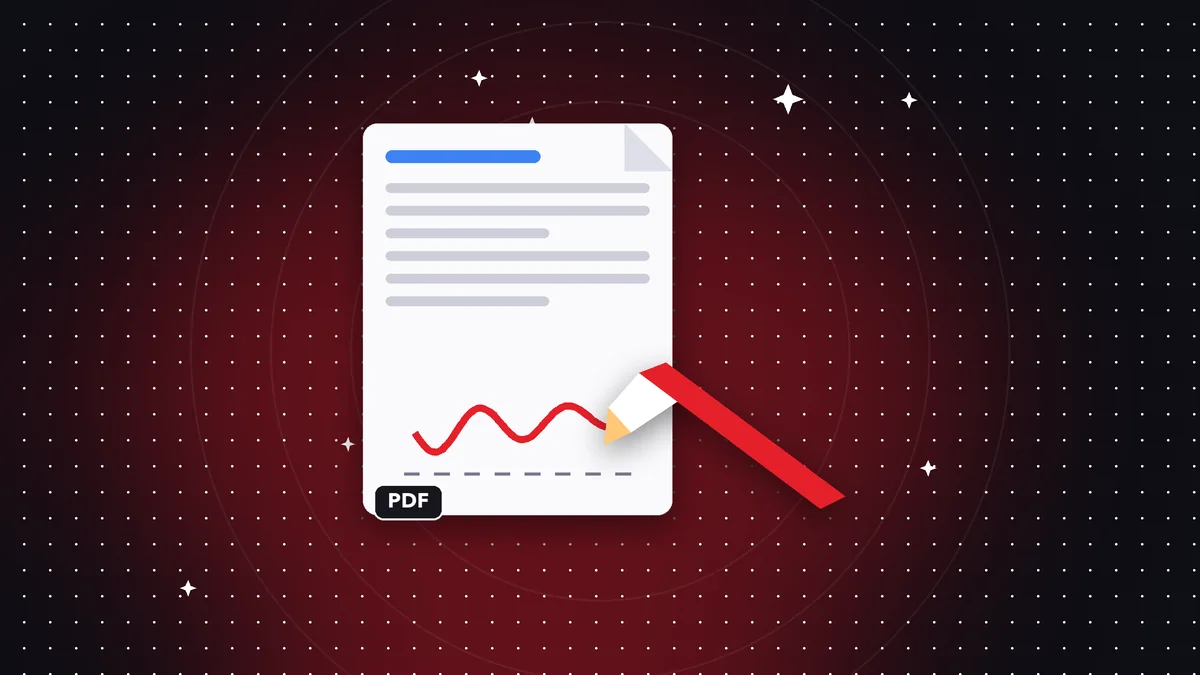
Visual signature vs. digital signature
A visual signature is an image of your signature placed on the document. It's enough for many informal procedures; for processes that require digital certificates, you need a specific e-signature service.
Step by step
Open the PDF, go to Sign PDF, draw your signature with your finger or mouse, place it, and adjust its size. Save the document.
Tips
Save your signature to reuse it, and always send the final PDF, not the original. If the document has several signatures, place them all before saving.
How to get a clean signature
Sign on a clean screen with one continuous stroke. On a phone, use your finger or a capacitive stylus; on a computer, a mouse or a graphics tablet. If you don't like the result, erase it and try again: there's no limit.
Make your signature a bit bigger than usual; when you place it you can shrink it without losing sharpness, but enlarging it makes it blurry.
Where to place the signature
Put it on the document's signature line, without covering the text. If the document needs several signatures, place them all before saving so you don't end up with several versions.
If you need to sign and also date it, add the date with the text tool next to the signature.
Visual signatures and legal validity
A visual signature shows your approval, but it doesn't include a digital certificate proving your identity. In Colombia, the law recognizes different types of electronic signature; for contracts with special requirements, check which mechanism is required and use a certified signature provider if needed.
Frequently asked questions
Is it a certified digital signature?
It's a visual signature; on its own it doesn't replace a certified digital signature.
Is my signature saved?
Only on your device, if you choose to save it.
Is it free?
Yes.
Can I sign on my phone?
Yes, on iPhone and Android with your finger.
Is my signature stored anywhere else?
Only on your device, and only if you decide to save it.
Keep reading
 GuideHow to Remove a Password From a PDF (When You Know the Password)
Remove the protection from a PDF whose password you know, so it opens without asking for it every time. A quic…
Read article › GuideHow to Password Protect a PDF: Step-by-Step Guide
Encrypt a PDF with a password so only the right person can open it. How to choose a strong password and share …
Read article › GuideHow to Edit a PDF for Free: Text, Images, Shapes and Annotations
Learn how to add text, highlight, insert images and fix content in a PDF without installing heavy software.…
Read article ›
To understand better
- GlossaryElectronic signature and digital signature
The difference between drawing your signature on a PDF and a certificate-based signature.
- GlossaryFlatten a PDF
Lock annotations, signatures and forms so they can no longer be edited.
- File formatPDF
What the PDF format is, why it looks the same everywhere and what it contains besides pages.