 Rayo PDF GO
How to Edit a PDF for Free: Text, Images, Shapes and Annotations
Editing a PDF used to require expensive software. Today you can add text, sign, highlight and even change existing content from any device.
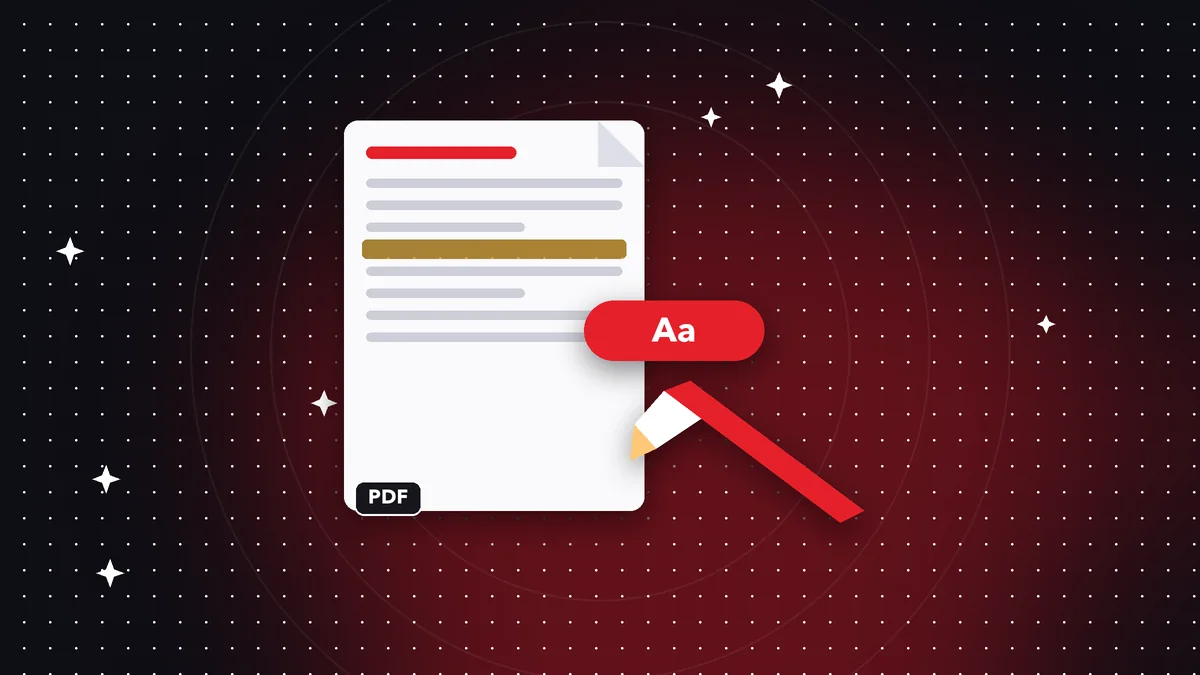
What you can do
Add text, draw shapes, insert images, highlight and underline, and replace existing text approximately.
Step by step
Open the PDF in Edit, pick the tool you need, make your changes and save. The original document stays untouched if you save a copy.
Limits to keep in mind
Editing existing text is approximate: it depends on the font and layout of the original. For critical documents, check the result before sending it.
The editing tools, one by one
Text: add paragraphs in the font, size and color you choose. Shapes: rectangles, ovals, arrows and lines to point things out. Image: insert logos, stamps or photos. Highlight, underline and strikethrough: mark important content without changing the text.
Each element can be moved and resized before you save, so you can fix things without starting over.
Replacing existing text
Replace editing detects the text blocks in the PDF and lets you change them. It works best with PDFs generated from a program (not scans) and with common fonts. When you save, the modified pages are regenerated so the change is embedded.
It is an approximate feature: if the original font is not available, a similar one is used. Always check the result on important documents.
Best practices
Always work on a copy, review the document in full screen before sending it and, if it is an official document, avoid changing its content: edit it only to annotate or fill in fields.
Frequently asked questions
Can I change the original text?
Yes, by replacing it, approximately.
Is it free?
The basic editor is free; some tools are Premium.
Are my files uploaded?
No.
Can I edit a scanned PDF?
You can annotate on top of it; to edit its text, run OCR first.
Do I lose quality when saving?
Edited pages are regenerated in high quality.
Keep reading
 GuideWhat Is OCR and How to Make a Scanned PDF Searchable
OCR explained simply: turn scans into text you can select, copy, and search. When you need it and how to use i…
Read article › GuideHow to Scan Documents With Your Phone and Save Them as PDF
Turn photos of documents into a clean PDF with filters. Tips for clear, lightweight scans.…
Read article › GuideHow to Redact Sensitive Information in a PDF (Permanently)
Covering text with a black box isn't enough. Learn how to permanently remove confidential data from a PDF.…
Read article ›