 Rayo PDF GO
How to Split a PDF and Extract Only the Pages You Need
Sometimes you only need page 4 of a 40-page contract, or you want to break a report into chapters. Splitting a PDF lets you send only what's necessary and keep the rest private.
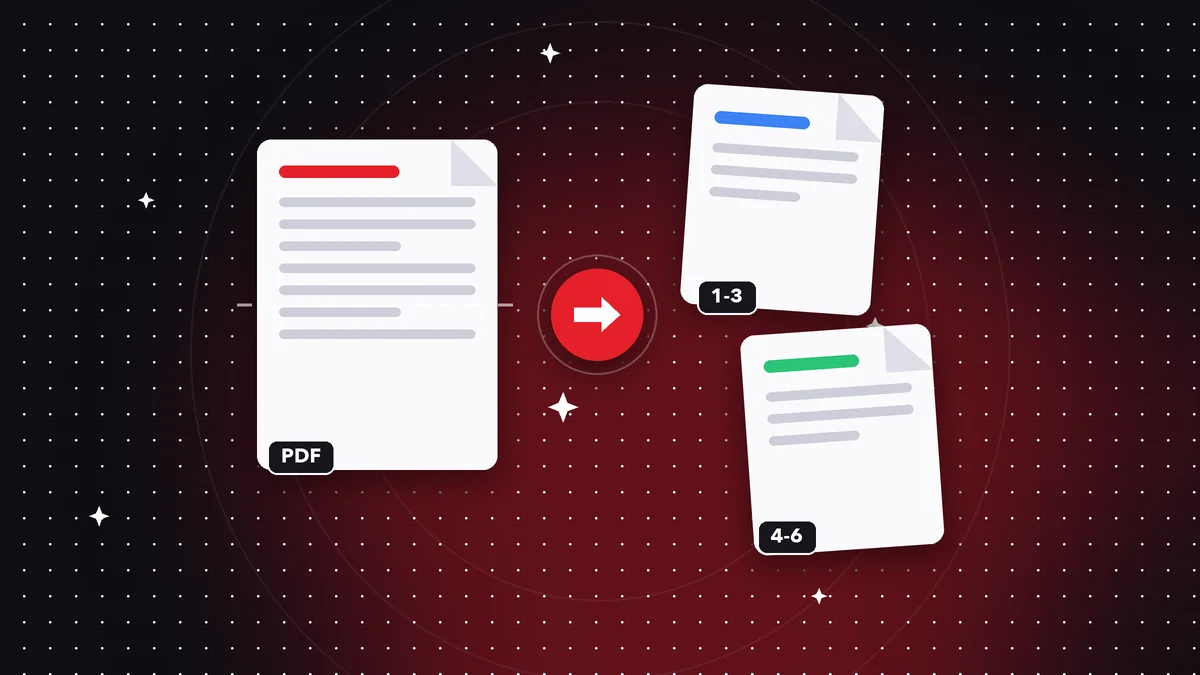
Ways to split a PDF
By ranges (1-3, 5, 8-10), with every page as a separate file, or by extracting only the pages you choose.
Each range produces a new file, and the original stays untouched.
Step by step
Open Split PDF, select the document, type the ranges, and tap Split. Save the resulting files wherever you like.
Best practices
Always keep the original. If you're sharing parts of a document with other people, check that no sensitive data is left on other pages.
Page range examples you can use
“1-3” extracts the first three pages. “5” extracts only page five. “8-10, 12” creates two files: one with pages 8 to 10 and another with page 12. You can combine as many ranges as you need in the same operation.
If you want every page as its own file, use the split page by page option. It's very handy for separating scanned invoices that ended up in a single document.
Real-world uses
Pull out a book chapter to share it, send only the signature page of a contract, extract the appendices from a report, or hand out sections of a set of rules to different people.
It also helps with privacy: if a document contains information the recipient shouldn't see, extract only the pages they need and leave the rest out.
After splitting
Check each resulting file before sending it and give it a clear name. If you need to put some parts back together, the merge tool lets you do it in seconds.
Frequently asked questions
Can I extract non-consecutive pages?
Yes, use ranges separated by commas, like 1-2, 7, 10-12.
Is it free?
Yes, Split PDF is free.
Do I lose quality?
No. Pages are separated without being reprocessed.
Does it change the original file?
No, the original file stays intact.
Is there a page limit?
No. You can split documents with hundreds of pages.
Keep reading
 GuideHow to Convert a PDF to Word Without Losing Your Mind
Convert a PDF to Word, Excel or PowerPoint and keep your text and tables. What to expect from the conversion a…
Read article › GuideHow to Sign a PDF on Your Phone or Computer
Draw your signature, place it in the right spot, and save the signed PDF. What kind of signature it is and whe…
Read article › GuideHow to Remove a Password From a PDF (When You Know the Password)
Remove the protection from a PDF whose password you know, so it opens without asking for it every time. A quic…
Read article ›