 Rayo PDF GO
How to Compress a PDF to Send on WhatsApp or Email
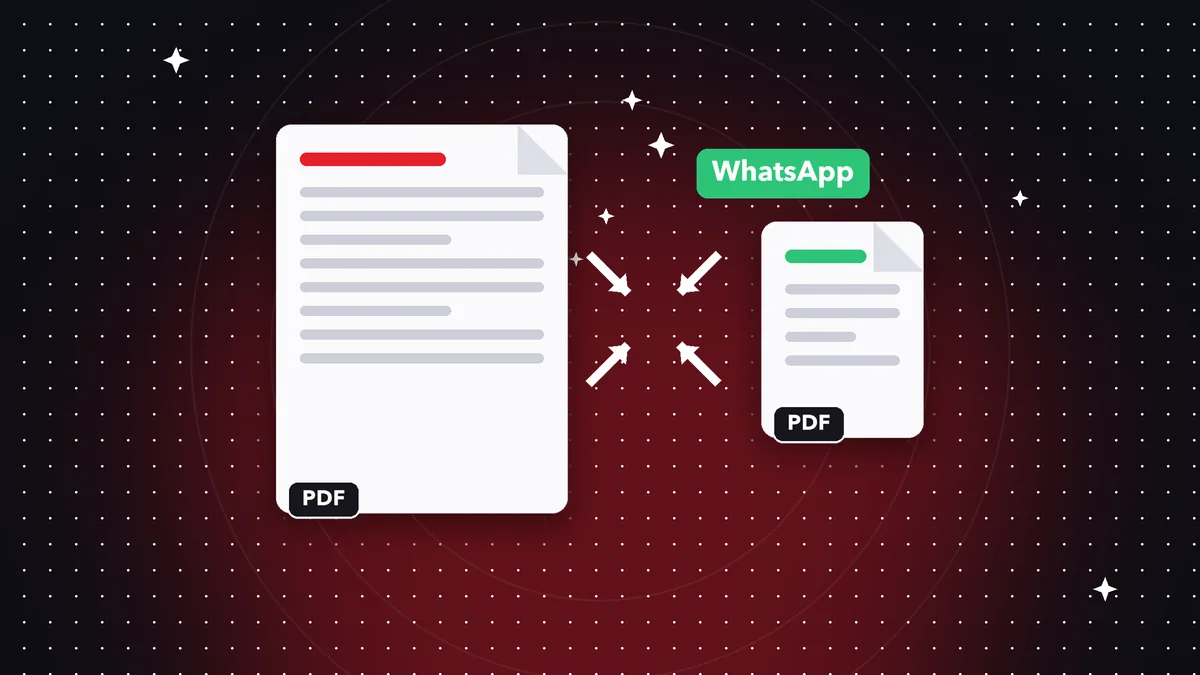
Email rejects large attachments and WhatsApp compresses everything you send. A smaller PDF arrives faster, takes up less space and opens smoothly on any device.
Why a PDF is so big
The size almost always comes from images: high-resolution photos, scans or screenshots. Text takes up very little space.
A document scanned at 600 dpi can weigh dozens of megabytes even with just a few pages.
How to compress it step by step
Open the Compress PDF tool, choose your file and pick a level: light to keep almost all the quality, medium for a good balance, or strong for the smallest possible size.
Compare the final size with the original before saving. If the result looks good on screen, it is good enough to send.
Other ways to reduce PDF size
Delete pages you don't need, avoid inserting huge images and export your scans at a reasonable resolution (150-200 dpi is usually enough for reading).
Which compression level to choose
Light compression keeps almost everything and is ideal for documents that will be printed. Medium balances size and quality and works for most email attachments. Strong shrinks the file as much as possible and suits scans that will only be read on screen.
If you're unsure, start with medium, check the result at 100% zoom and, if the text is still sharp, keep it.
Size limits of the most common services
WhatsApp allows documents up to 100 MB, but large files feel slow to send and use up data. Gmail and Outlook accept attachments of around 20-25 MB, and many corporate servers are stricter: 10 MB is a safe number.
If your file is still too big, break it into parts with the split tool and send them in separate messages.
When you shouldn't compress
Don't compress legal documents that need maximum fidelity, or blueprints and designs with fine detail. In those cases, it's better to send a download link or a ZIP file, which doesn't lose quality.
Frequently asked questions
How much can a PDF be reduced?
It depends on the content; PDFs with lots of images often shrink to less than half their size.
Will I lose selectable text?
Pages with heavy images are reprocessed; the rest keep their text.
Are my files uploaded?
No, compression happens locally.
Does compressing change the text?
It doesn't change the content; it only affects how the images on the heaviest pages are stored.
Can I compress several PDFs at once?
Currently one file is processed per operation; for batches, repeat the steps with each file.
Keep reading
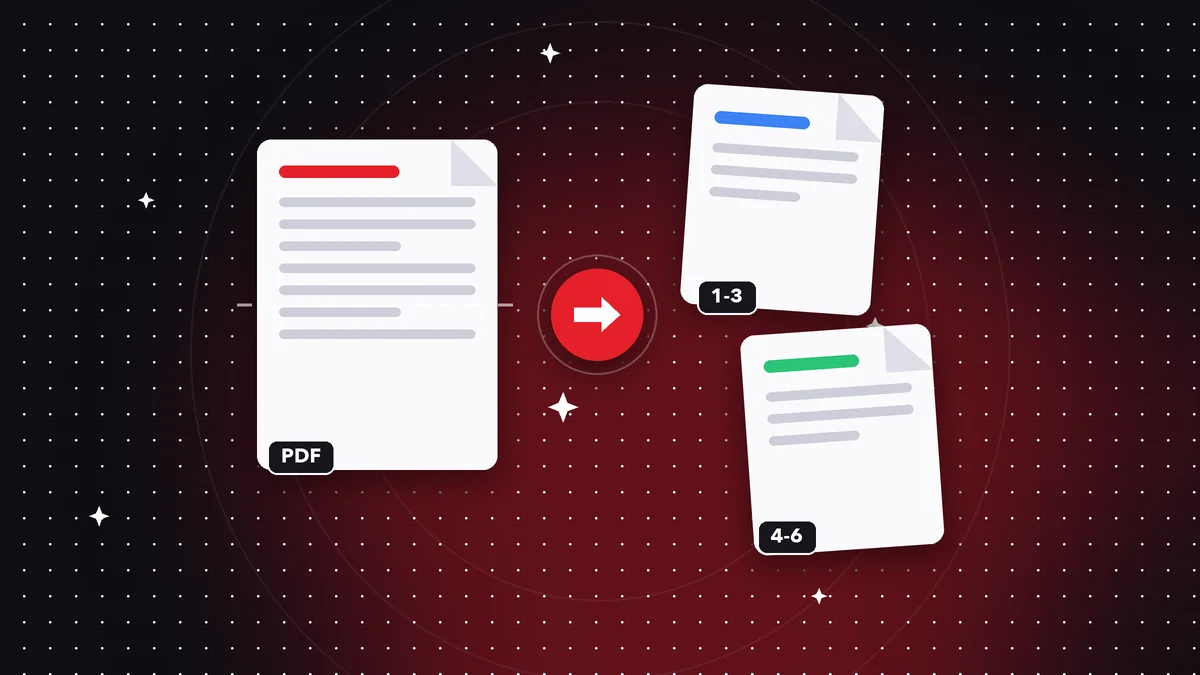 GuideHow to Split a PDF and Extract Only the Pages You Need
Split a PDF by pages or ranges and extract what you need in seconds. Step by step, free, and your file never l…
Read article › GuideHow to Convert a PDF to Word Without Losing Your Mind
Convert a PDF to Word, Excel or PowerPoint and keep your text and tables. What to expect from the conversion a…
Read article › GuideHow to Sign a PDF on Your Phone or Computer
Draw your signature, place it in the right spot, and save the signed PDF. What kind of signature it is and whe…
Read article ›