 Rayo PDF GO
How to Convert WebP to JPG (and Why Downloaded Images Come Out as WebP)
You download an image and it turns out to be a .webp file that your editor, your form or your email app doesn't recognize. You're not alone: many websites serve WebP by default.
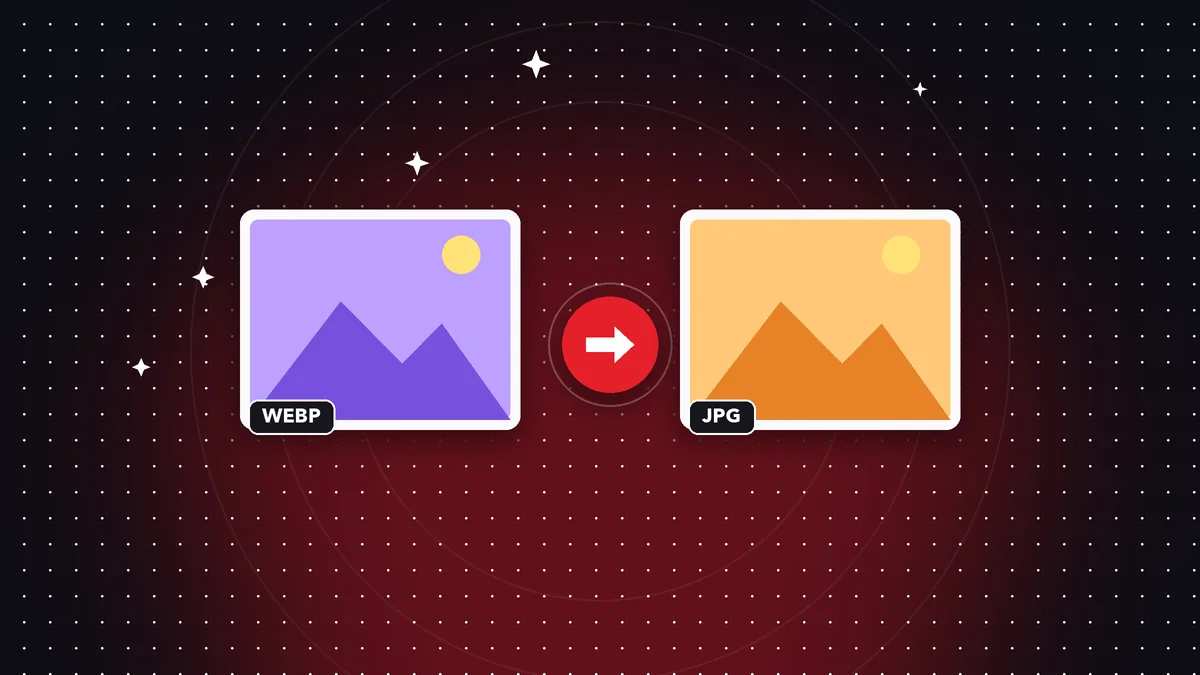
What is WebP
WebP is a modern format created to make images weigh less on the web, with quality similar to JPG or PNG. Browsers display it without any problem.
The downside is compatibility: some older programs, forms and job platforms still reject it.
How to convert it to JPG or PNG
Open the image converter, choose your WebP files and select JPG (photos) or PNG (graphics and screenshots). You can convert several at once.
If the target is JPG, transparent areas are filled with white because JPG does not support transparency.
JPG or PNG: which one to choose
JPG is smaller and ideal for photos. PNG keeps transparency and sharp text, and is better for logos and screenshots.
Do it on your device: your files are never uploaded to any server.
Convert WebP to JPG
Frequently asked questions
Do you lose quality when converting WebP to JPG?
JPG uses lossy compression, but you can choose a high quality so it isn't noticeable.
Can I convert several images at once?
Yes, in batches.
Are my images uploaded?
No, they are converted on your device.
Keep reading
 GuideHow to Sign a PDF on Your Phone With Your Finger, Without Printing
Draw your signature once and place it on any PDF from iPhone or Android. How valid it is and when you need a c…
Read article › GuideHow to Edit a Scanned PDF: OCR, Text and Annotations
A scanned PDF is an image. Learn your options for editing it: recognize the text with OCR, add text on top or …
Read article › GuideHow to Convert Word to PDF Without Microsoft Office Installed
Turn Word, Excel, or PowerPoint files into PDF from your phone or browser, with no Office installed and no upl…
Read article ›