 Rayo PDF GO
How to Sign a PDF on Your Phone With Your Finger, Without Printing
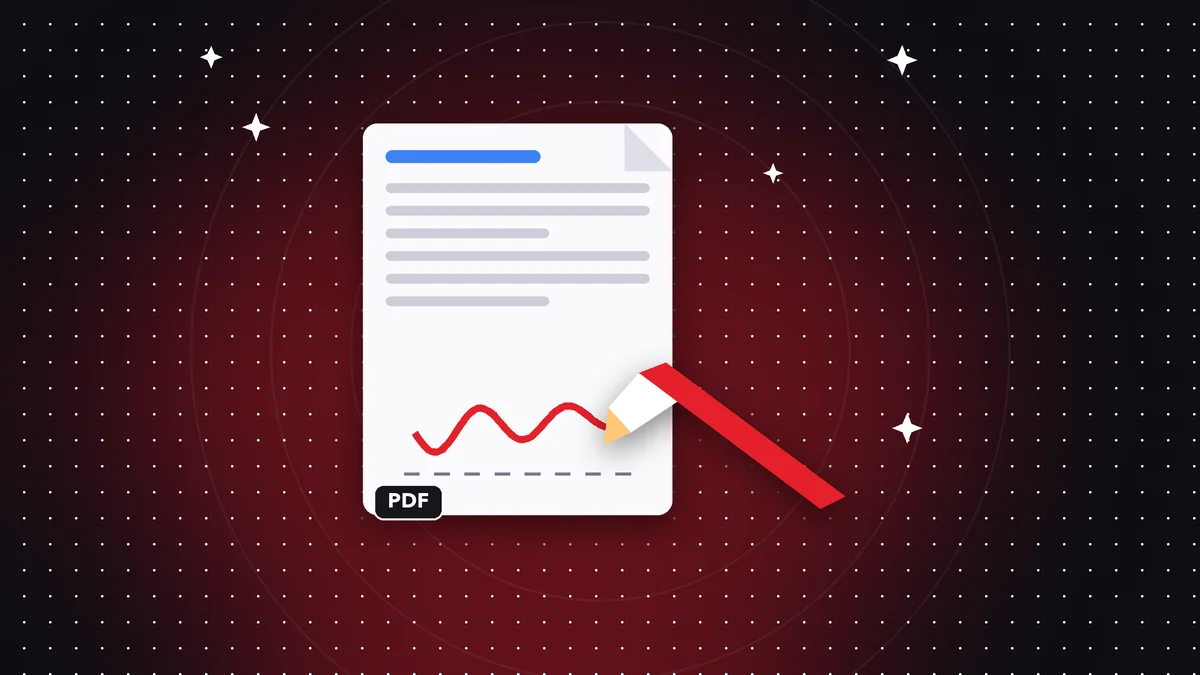
Printing, signing by hand, and scanning again is slow. Today you can sign a PDF right on your phone in under a minute, ideal for simple contracts, authorizations, and forms.

Try it now: Sign PDF
Choose your file and continue in the app. It is processed on your device, never uploaded to a server.
Step by step
Open the PDF in the editor, choose the signature tool, and draw your signature with your finger. Place it on the right line and adjust its size and position.
Save the document and share it. You can reuse your signature on other documents.
How valid it is
It's a visual signature: it works for many everyday procedures between people and companies that accept it.
Some legal or public processes require a certified electronic signature or one with verified identity. Check with whoever receives the document before signing.
Best practices
Sign a copy, not the original. After signing, consider protecting the PDF with a password if it contains sensitive data.
Frequently asked questions
Is it safe to sign on a phone?
It's processed on your device, without uploading the document to any server.
Can I sign several pages?
Yes, you place the signature on each page where it's needed.
Is it legally valid?
It depends on the procedure; for cases that require a certified signature, you need another service.
Keep reading
 GuideHow to Edit a Scanned PDF: OCR, Text and Annotations
A scanned PDF is an image. Learn your options for editing it: recognize the text with OCR, add text on top or …
Read article › GuideHow to Convert Word to PDF Without Microsoft Office Installed
Turn Word, Excel, or PowerPoint files into PDF from your phone or browser, with no Office installed and no upl…
Read article › GuideHow to Delete Pages from a PDF (and Extract Only the Ones You Need)
Remove blank pages, covers or attachments from a PDF in seconds, or extract only the pages you want to share, …
Read article ›
To understand better
- GlossaryElectronic signature and digital signature
The difference between drawing your signature on a PDF and a certificate-based signature.
- GlossaryFlatten a PDF
Lock annotations, signatures and forms so they can no longer be edited.
- File formatPDF
What the PDF format is, why it looks the same everywhere and what it contains besides pages.