 Rayo PDF GO
How to Convert Word to PDF Without Microsoft Office Installed
You don't always have Office handy: you're on your phone, on a borrowed computer, or using a different program. You still need to hand in the document as a PDF, which looks the same on any device.
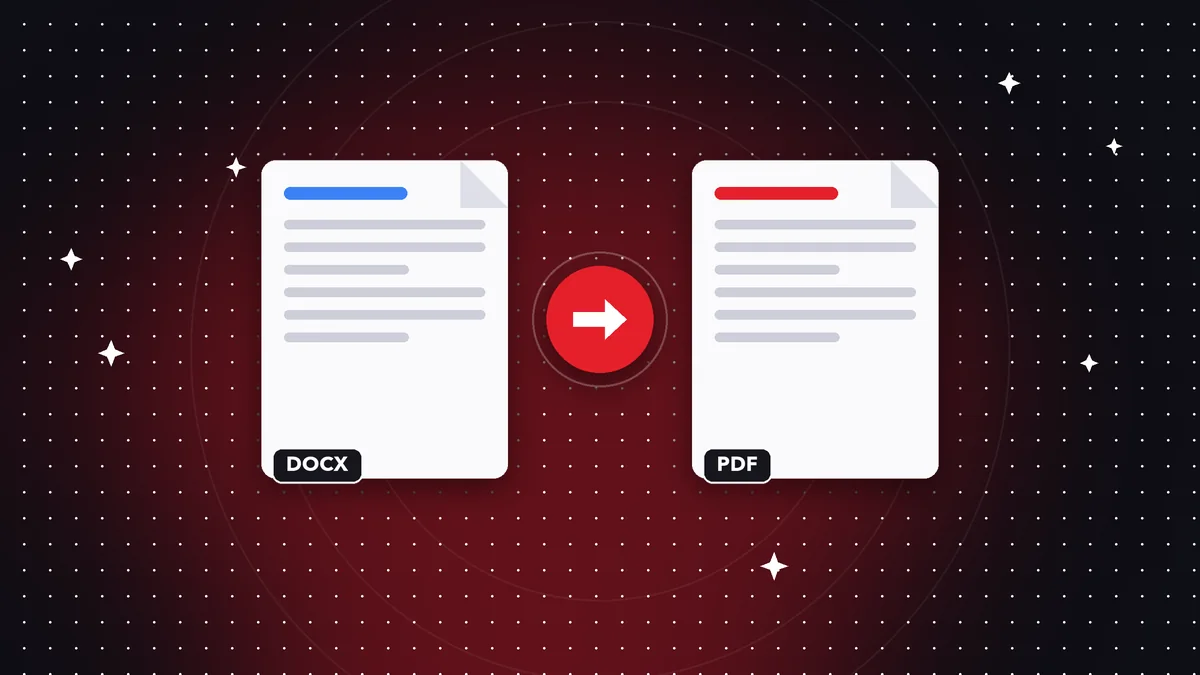
What a PDF is good for
A PDF locks the content in place: it looks the same on any device and is harder to change by accident. That's why it's the standard for résumés, proposals, and invoices.
How to do it
Open the Word to PDF tool, choose your .docx, .xlsx, or .pptx document, and tap Convert. The PDF is created on your device.
Text, headings, and tables are kept; advanced styles, images, and the exact layout aren't reproduced. For a faithful result, export to PDF from Office itself.
After converting
You can merge several PDFs, compress them to send, or protect them with a password before sharing.
Do it on your device: your files are never uploaded to any server.
Convert Word to PDF
Frequently asked questions
Is Word to PDF free?
Yes, converting to PDF is free.
Which formats are supported?
Word (.docx), Excel (.xlsx), PowerPoint (.pptx), text, and Markdown.
Are my documents uploaded?
No, they're processed on your device.
Keep reading
 GuideHow to Delete Pages from a PDF (and Extract Only the Ones You Need)
Remove blank pages, covers or attachments from a PDF in seconds, or extract only the pages you want to share, …
Read article › GuideHow to Flatten a PDF So No One Can Edit Your Signatures and Forms
What flattening a PDF means, when to do it, and how to lock annotations, comments, and form fields without upl…
Read article ›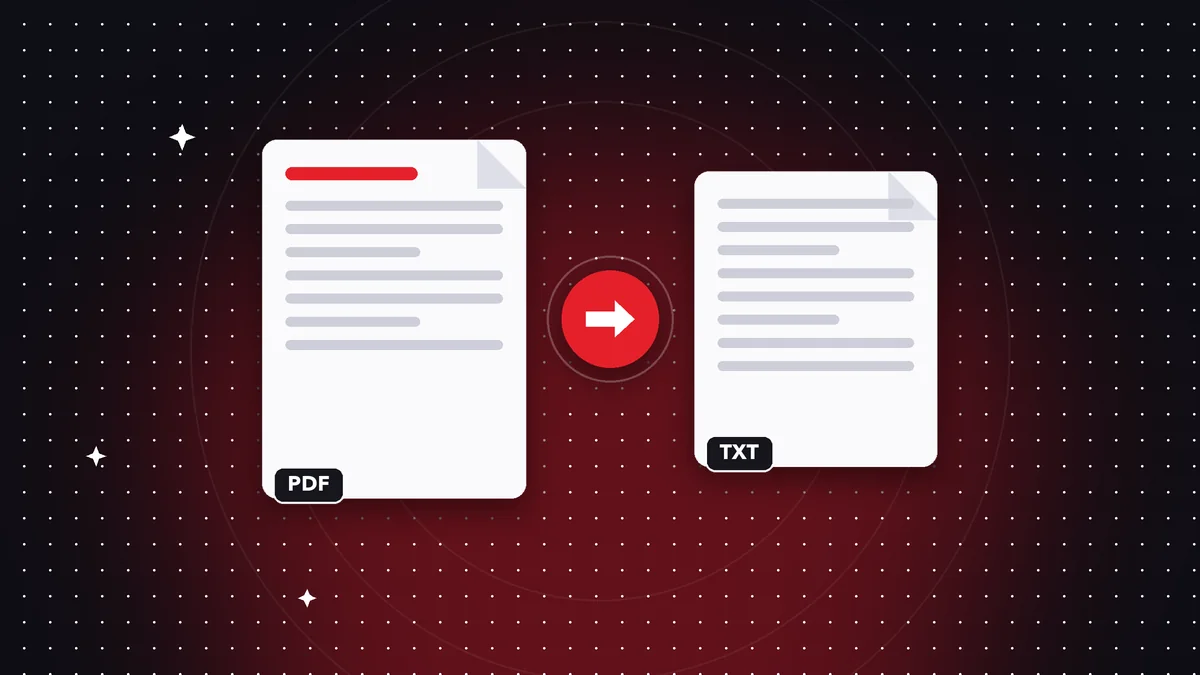 GuideHow to Extract Text From a PDF to a .txt File (and What to Do if It's a Scan)
Pull all the text out of a PDF and save it as .txt to copy, translate or analyze. What works, what doesn't and…
Read article ›