 Rayo PDF GO
How to Flatten a PDF So No One Can Edit Your Signatures and Forms
You fill in a form, sign it, and send it. But that PDF still has layers: whoever receives it can move the signature, delete a comment, or change a detail. Flattening the PDF closes that door.
What flattening a PDF means
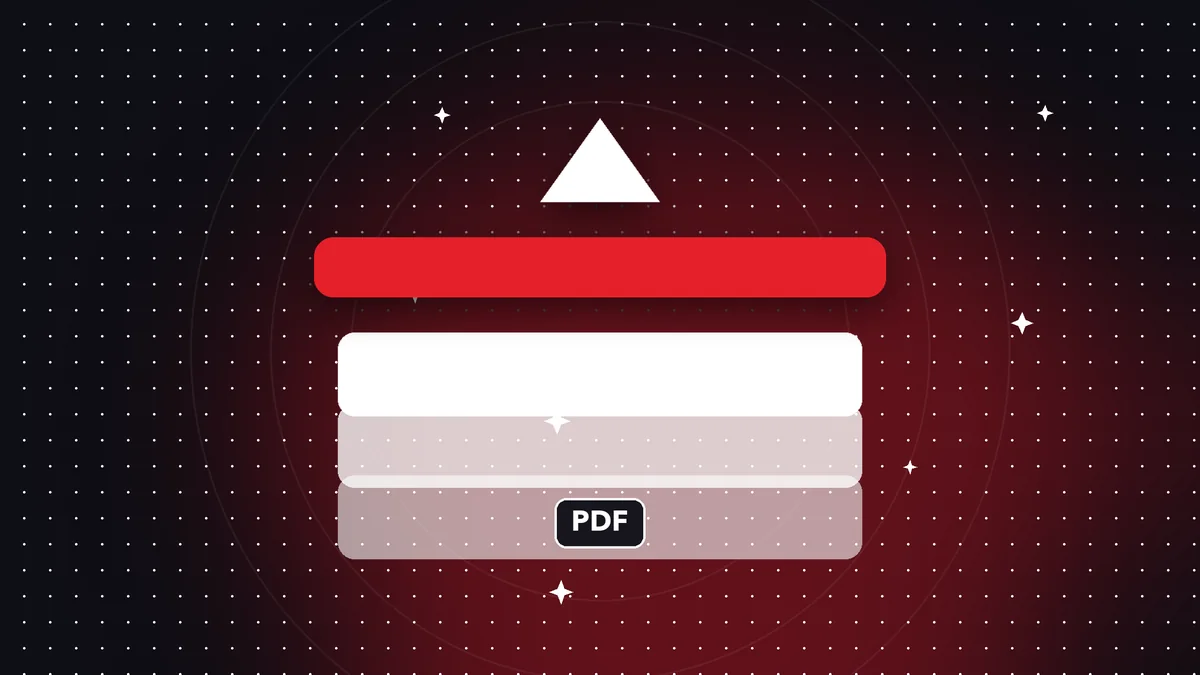
A PDF can store the base content in one place and the annotations, drawn signatures, and form fields in another, as independent layers. Flattening merges everything into the page: what you see is what stays, with no elements that can be edited separately.
The result is like a faithful photograph of the document, saved inside a PDF.
When to flatten
Before sending a form you've already filled in, so the data can't be changed. After signing, so the signature can't be dragged into another document. And when you share a PDF with comments that must not be deleted.
It's not the same as password protection: flattening doesn't stop the file from being opened, it only stops its content from being edited. If you want both, flatten first and protect afterward.
Step by step in Rayo PDF GO
Open the Flatten PDF tool, choose the file, and tap Flatten. Each page is drawn with everything that's visible and saved as an image in a new PDF, on your device.
Always keep a copy of the editable original: flattening can't be undone.
What changes and what doesn't
Each page becomes an image, so the text can no longer be selected or searched. If you need it searchable, run the result through OCR.
The file size may go up a little; if needed, shrink the file with Compress PDF.
Frequently asked questions
Is flattening the same as password protection?
No. Flattening stops the content from being edited; a password stops the file from being opened.
Can it be undone?
No, which is why it's best to keep the original.
Are my files uploaded?
No, everything happens on your device.
Keep reading
 GuideHow to Extract Text From a PDF to a .txt File (and What to Do if It's a Scan)
Pull all the text out of a PDF and save it as .txt to copy, translate or analyze. What works, what doesn't and…
Read article › GuideHow to Insert a Blank Page in a PDF (and Why You'd Want To)
Add blank pages at the start, end, or between pages of a PDF: separate sections, leave room for notes, or prin…
Read article › GuideHow to Print a PDF in Black and White and Save Ink
Convert a PDF to grayscale before printing: better contrast, less color ink used and no need to upload your do…
Read article ›