 Rayo PDF GO
How to Repair a Corrupted PDF That Won't Open
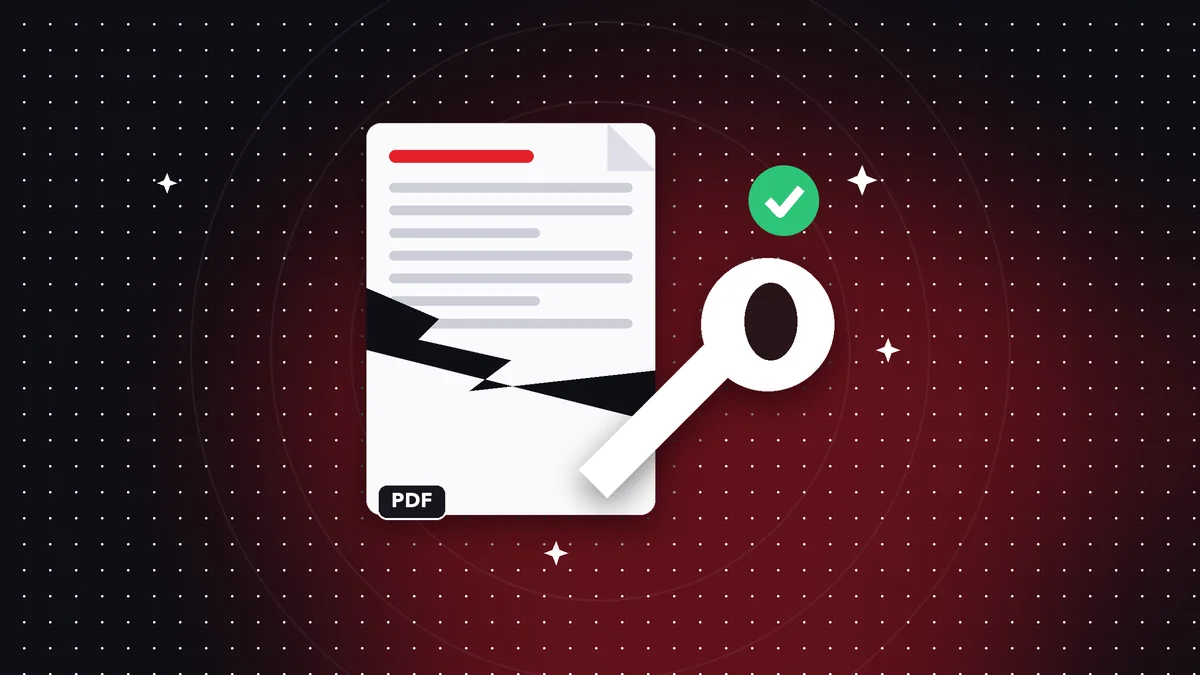
Interrupted downloads, drives with errors, or email programs that alter attachments can leave a PDF unusable. Some can be recovered.
Common causes
An incomplete download, an interrupted transfer, a file saved while the program was closing, or faulty storage.
How to try to repair it
Open Repair PDF, select the file, and let it rebuild its structure. Save the result under a different name.
If it can't be recovered
Download or request the file again, or check your backups. Avoid overwriting the damaged original.
How a PDF gets corrupted
The most common causes are interrupted downloads, messaging apps that alter the file during transfer, drives with bad sectors, and programs that close while saving. The result is usually an error when opening it or blank pages.
What repair does
A PDF has an internal table that says where each object is. If that table gets corrupted, viewers can't find the pages. Repair rebuilds it by reading the file sequentially and recovers the objects that are still intact.
Prevention
Download with a stable connection, check the file size after copying it, and keep backups of your important documents.
Frequently asked questions
Can it always be repaired?
It depends on the damage. Whatever can be recovered, is.
Will I lose content?
Corrupted content may be missing.
Is it free?
Yes.
Does it recover 100%?
It depends on the damage; corrupted content may be missing.
Does it modify the original?
No, it saves a new copy.
Keep reading
 GuideAre Online PDF Tools Safe? What You Need to Know
Many PDF sites upload your files to their servers. How it works, what the risks are and why processing on your…
Read article › GuideHow to Convert a PDF to Word Without Losing Formatting (and What to Expect)
An honest guide to turning a PDF into editable Word: what's kept, what changes, and how to get the best result…
Read article › GuideHow to Convert Photos to PDF on Your Phone (Several in One Document)
Turn photos from your gallery into one PDF on iPhone or Android: order, quality and tips so your documents rea…
Read article ›