 Rayo PDF GO
Are Online PDF Tools Safe? What You Need to Know
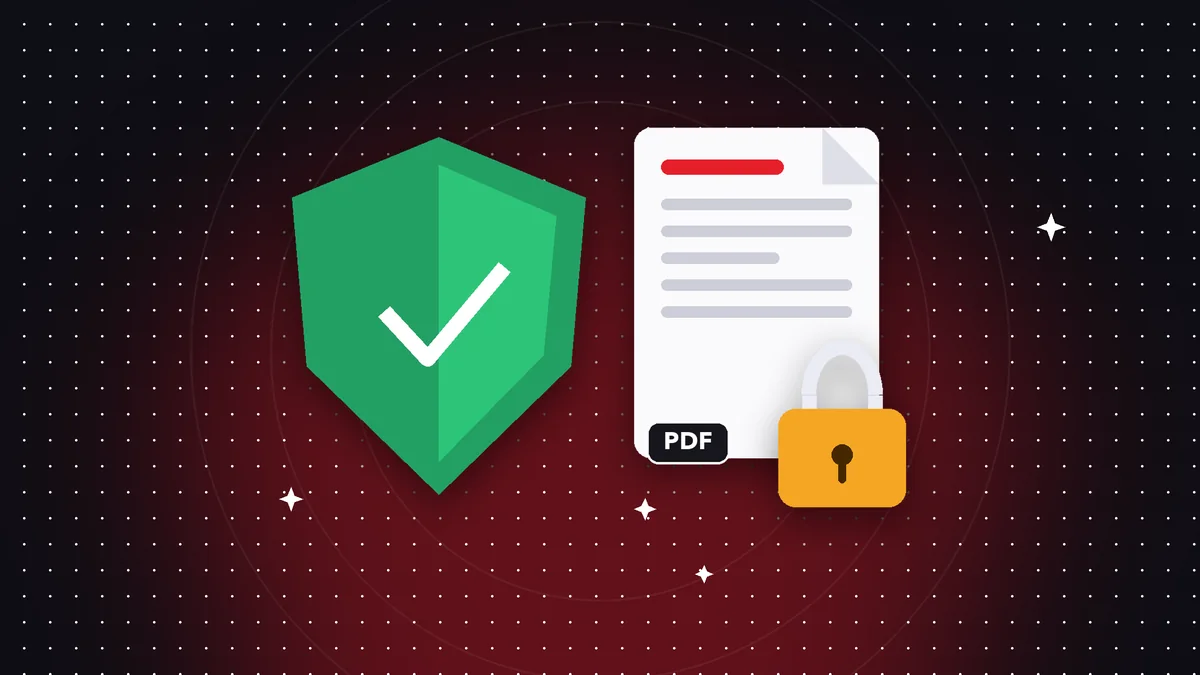
When you use an online PDF tool, your document may travel to someone else's server. If it contains personal or financial data, it pays to know what happens to it.
What happens to your files
With many services, the file is uploaded, processed on their server and the result is downloaded. Even if they promise to delete it, during that time a copy exists outside your control.
What the risks are
Data leaks, retention beyond what was promised, third-party access or use of your data for other purposes.
The alternative: process on your device
Rayo PDF GO processes files on your own device: they are not uploaded to servers, so there is no external copy to protect.
Best practices
Read the privacy policy, avoid uploading sensitive documents to services you don't know and protect important files with a password.
How to tell if a service uploads your files
If you see an "uploading" bar when you choose a file, or the tool gives you the result with a download link, your document traveled to a server. Check its privacy policy: how long they keep it and whether they use it for other purposes.
What "processing on your device" means
The program that modifies the PDF is downloaded to your browser or app and works with your device's memory. The file never leaves it. It is the same principle as a calculator: the operation runs on your machine, not on a server.
In Rayo PDF GO this applies to merging, splitting, compressing, converting, signing, protecting and recognizing text. The exception is Web to PDF, which downloads the page whose address you type.
Recommended security habits
Use strong passwords, keep your devices up to date, avoid public Wi-Fi for sensitive documents and delete temporary files. And be wary of any service that asks for too many permissions or personal details just to merge two files.
Frequently asked questions
Are my files uploaded in Rayo PDF GO?
No. They are processed on your device.
Is there any exception?
Web to PDF downloads the address you type.
Can I use it offline?
The apps work offline for most tools.
Does Rayo PDF GO store my documents?
No: it never receives them, it only processes them on your device.
What about my account data?
We only store your email and preferences, according to our privacy policy.
Keep reading
 GuideHow to Convert a PDF to Word Without Losing Formatting (and What to Expect)
An honest guide to turning a PDF into editable Word: what's kept, what changes, and how to get the best result…
Read article › GuideHow to Convert Photos to PDF on Your Phone (Several in One Document)
Turn photos from your gallery into one PDF on iPhone or Android: order, quality and tips so your documents rea…
Read article › GuideHow to Reduce a PDF to Under 1 MB for Portals and Online Forms
Steps and tips to shrink a PDF to 1 MB or less without making it unreadable. Ideal for applications, universit…
Read article ›