 Rayo PDF GO
How to Reduce a PDF to Under 1 MB for Portals and Online Forms
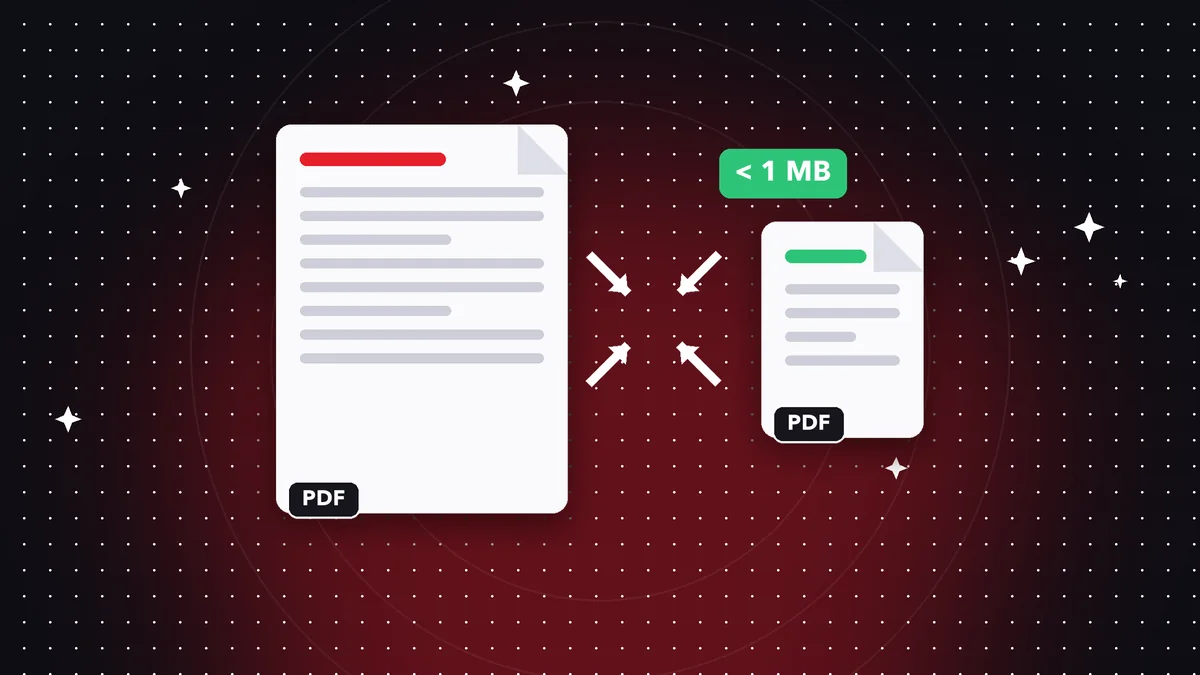
When a portal rejects your file for being over 1 MB, every minute counts. The key is knowing what takes up space and applying just enough compression without wrecking readability.
What makes a PDF heavy
It's almost always the images: photos, high-resolution scans, and screenshots. Text barely takes up any space.
That's why a scanned PDF with just a few pages at 600 dpi can weigh more than a 100-page text document.
The method that works
Start with medium compression and check the final size. If it's still over 1 MB, apply a higher level or split the document and send it in parts.
Avoid compressing the same file several times: you lose quality without saving size. Always keep the original.
If it's still too big
Lower the image resolution before creating the PDF, or delete unnecessary pages. For scans, a black-and-white filter cuts the size a lot.
Do it on your device: your files are never uploaded to any server.
Compress PDF to 1 MB
Frequently asked questions
Will I always get under 1 MB?
It depends on the content; documents with lots of photos may need to be split.
Will I notice the quality loss?
Hardly at all in text; a little in photos, depending on the level you choose.
Is it free?
Basic compression is free.
Keep reading
 GuideHow to Convert WebP to JPG (and Why Downloaded Images Come Out as WebP)
What the WebP format is, why it won't open in some programs and how to turn it into JPG or PNG in seconds, wit…
Read article › GuideHow to Sign a PDF on Your Phone With Your Finger, Without Printing
Draw your signature once and place it on any PDF from iPhone or Android. How valid it is and when you need a c…
Read article › GuideHow to Edit a Scanned PDF: OCR, Text and Annotations
A scanned PDF is an image. Learn your options for editing it: recognize the text with OCR, add text on top or …
Read article ›