 Rayo PDF GO
How to Reverse the Page Order of a PDF (and Duplicate the Pages You Need)
You scan a document and the sheets come out from last to first. Or you need the same form several times. Two simple tools solve it without starting over.
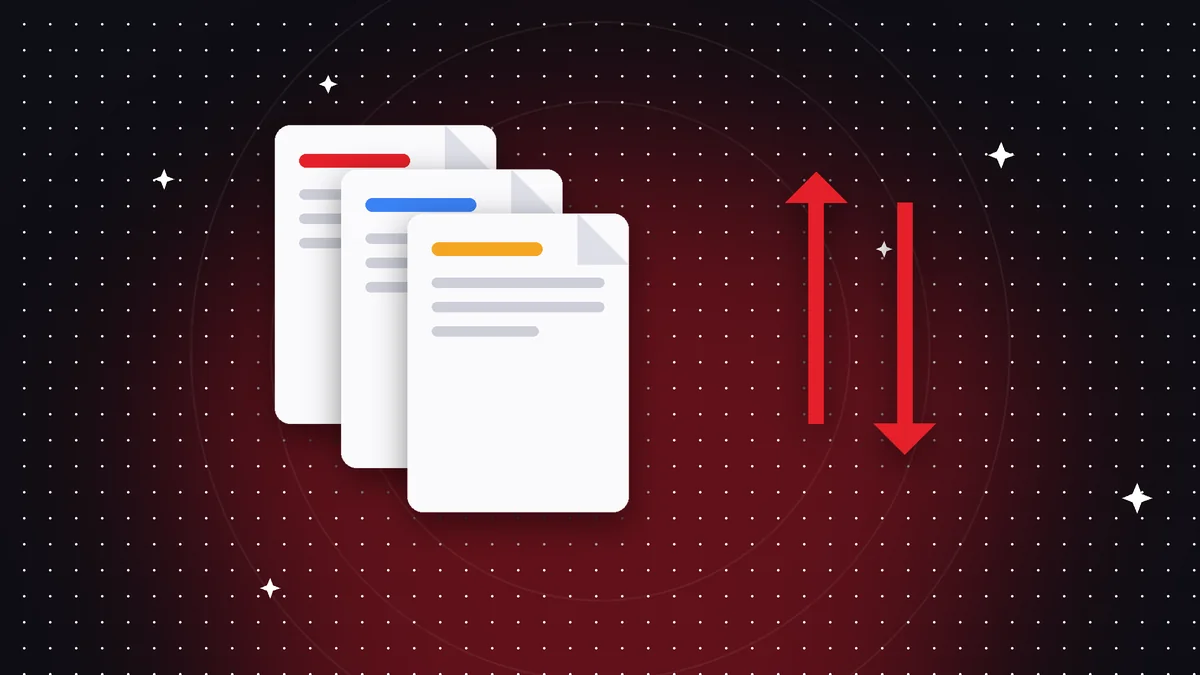
Reversing the page order
Reversing flips the document around: the last page becomes the first. It's the fastest fix when a scanner with a document feeder read the sheets in reverse order.
Text and quality are preserved, because the pages are only reordered.
Duplicating pages
Duplicating creates copies of the pages you select, right after each original. It's useful for forms that are filled out several times or for practice templates.
You choose the pages and the number of copies. If the file gets heavier than expected, run it through Compress PDF.
And if you only want to move some pages
To change the order of specific pages, Organize PDF lets you drag them one by one using thumbnails.
Frequently asked questions
Is the text preserved when reversing?
Yes, the pages aren't reprocessed.
Where do the duplicated pages end up?
Right after each original.
Are my files uploaded?
No, everything happens on your device.
Keep reading
 GuideHow to Merge PDF Files Into One (Free, Without Uploading Them)
Learn how to combine several PDF files into one document in under a minute, on your phone or computer, with no…
Read article › GuideHow to Compress a PDF to Send on WhatsApp or Email
Reduce PDF file size without visible quality loss. A practical guide to compression levels and tips for making…
Read article › GuideHow to Split a PDF and Extract Only the Pages You Need
Split a PDF by pages or ranges and extract what you need in seconds. Step by step, free, and your file never l…
Read article ›