 Rayo PDF GO
How to Add Page Numbers to a PDF
Page numbers make your documents look more professional and easier to cite. Adding them to a finished PDF is very simple.
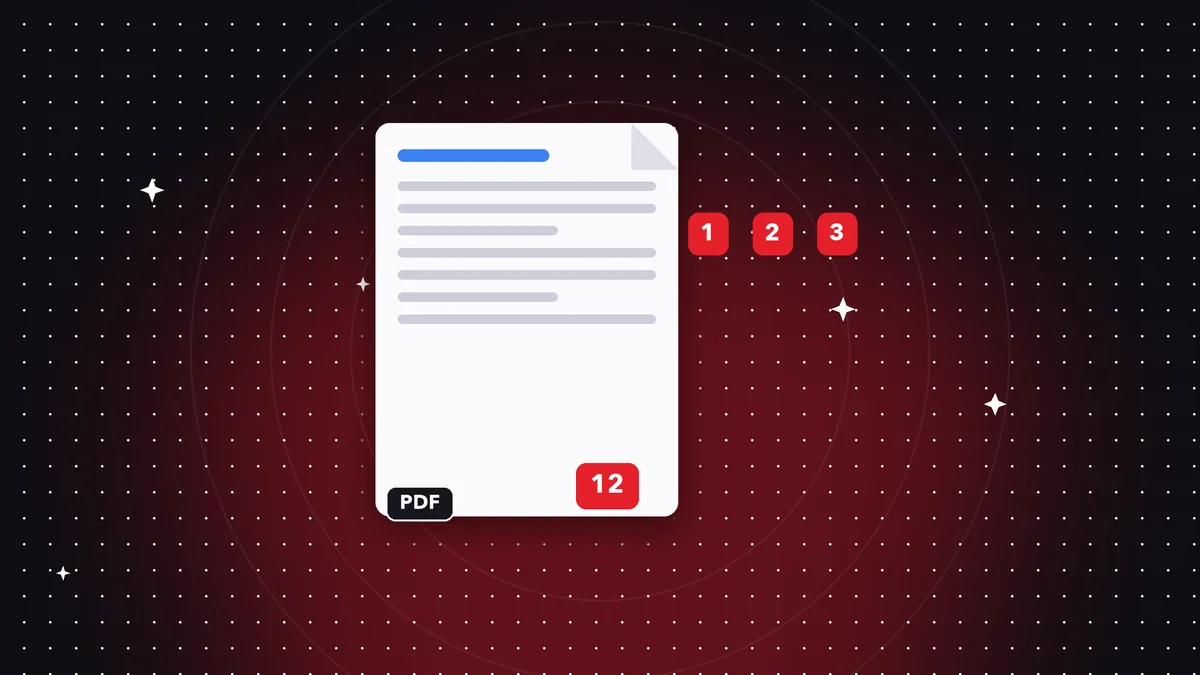
Numbering options
Choose the position (top or bottom, left, center, or right), the format (1, Page 1, 1 of 10), and the starting number.
Step by step
Open Page numbers, select the file, adjust the options, and save. You can preview the result.
When to start at a different number
If the document has a cover page, you may want numbering to start on the second page. Change the starting number to fit your case.
Numbering formats
You can show just the number ("3"), with text ("Page 3"), or with the total ("3 of 10"). For academic papers, the number at the bottom right is usually enough; for contracts, "Page X of Y" helps make sure no sheets are missing.
Position and margins
Avoid placing the number where it will print at the edge of the sheet. Bottom center is the safest option, and the bottom right corner is the most common in formal documents.
Documents with a cover page or appendices
If your document has a cover page and you want numbering to start on the second page, adjust the starting number or the page range. For appendices with their own numbering, process them separately and merge them at the end.
Frequently asked questions
Can I leave the cover page unnumbered?
Yes, by choosing the page range.
Where is the number placed?
In the corners or the center, top or bottom.
Is it free?
Yes.
Can I change the size of the number?
Yes, it's adjusted along with the format.
Can it be removed later?
It's embedded in the pages; keep the original.
Keep reading
 GuideHow to Add a Watermark to a PDF
Protect and personalize your documents with a text watermark: confidential, draft or your name.…
Read article › GuideHow to Repair a Corrupted PDF That Won't Open
What to do when a PDF shows errors or won't open: common causes and how to try to recover it.…
Read article › GuideAre Online PDF Tools Safe? What You Need to Know
Many PDF sites upload your files to their servers. How it works, what the risks are and why processing on your…
Read article ›