 Rayo PDF GO
How to Make a Meme with Your Own Photo: An Easy Guide
A good meme takes seconds to read and leaves a smile that lasts all day. What looks like a stroke of luck is really a combination of a good image, short text, and a little timing. If you want to make memes with your own photos, of family, friends, or your pet, you don't need to design anything complicated: just choose well and fine-tune the text. In this guide you'll see how to create one step by step with Rayo PDF GO and which details make it work.
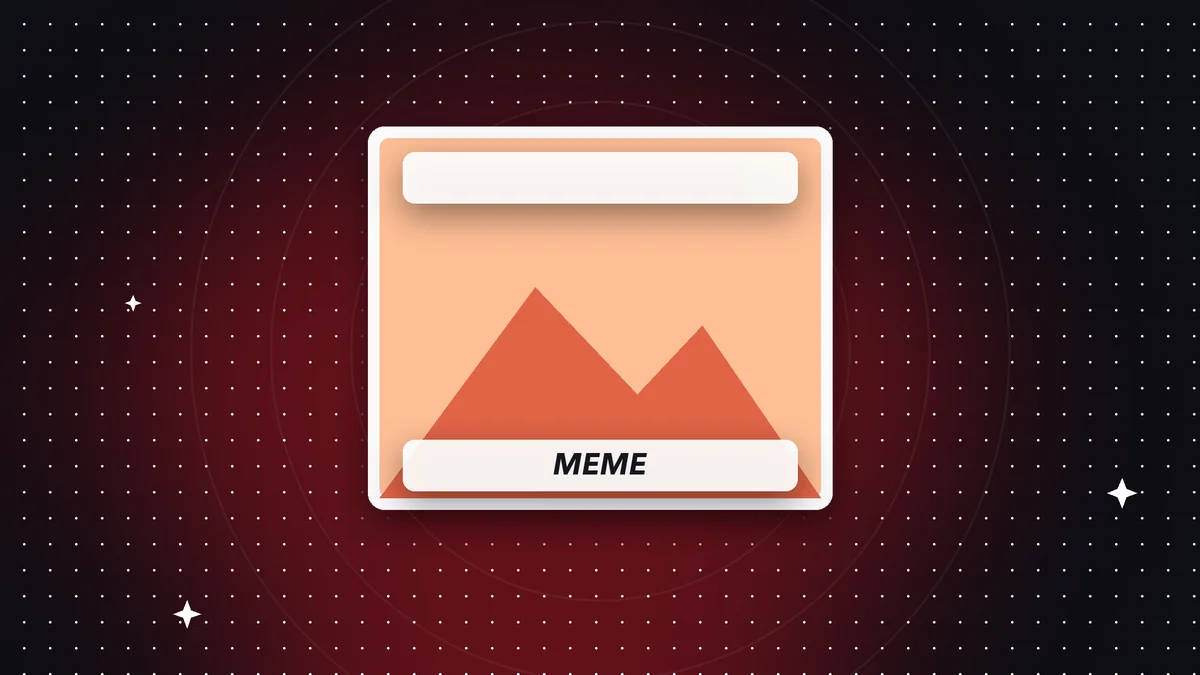

Try it now: Meme Generator
Choose your file and continue in the app. It is processed on your device, never uploaded to a server.
What makes a meme work
A meme is a shareable idea. It combines a recognizable or expressive image with brief text that changes or amplifies its meaning. The best part is that it's understood at a glance, with no explanation needed, because in a feed people decide in a second whether to stop or keep scrolling.
Almost all the memes that get shared tap into a universal emotion: surprise, Monday laziness, secondhand embarrassment, your pet's pride. When people see themselves in it, they forward it.
You don't need to be a professional comedian. It's enough to observe everyday situations from your work, your family, or your group of friends and find the funny angle. Something close to home usually works better than something generic.
If you're unsure whether a meme is appropriate, ask yourself a simple question: would you show it to the person in the photo without them feeling bad? If the answer is yes, go ahead. That simple filter prevents most misunderstandings and lets you enjoy the meme without worries.
How to choose the right photo
The ideal photo has a clear expression: a surprised face, a gesture, a fixed stare, an absurd scene. If the person or animal communicates something without any text, half the work is done.
Choose images with good resolution and free space at the top or bottom, where the text can go without covering anything important. A very busy photo competes with the letters and the meme becomes confusing.
Before using someone else's photo, ask whether they're okay with you turning it into a meme. Something that makes you laugh may make the person in it uncomfortable, and images on the internet are hard to take back. With photos of minors, you should be even more careful.
Step by step: how to make a meme in Rayo PDF GO
1) Open the Meme maker tool. On the web, go to rayopdfgo.com/app with your free account; on your phone or computer, open the app and choose the image tools.
2) Select the photo from your gallery or computer.
3) Write the meme text. Adjust its position, size, and color while watching the preview, and check that it reads well over the image.
4) Save the meme. Your original photo isn't modified, and you can create several versions with different text. The whole process happens on your device, without uploading the image to any server.
If something doesn't convince you, change the text or the position and look at the preview again. The advantage of working with the original untouched is that making a mistake costs nothing.
How to write the text
Less is more. A short sentence, two lines at most, reads in a second. If the text is long, nobody finishes it. Boil the idea down to the minimum that's still funny.
The classic format splits the text in two: one part sets up the situation at the top and the other delivers the punchline at the bottom. But it isn't required: sometimes a single well-placed line is the most effective.
Check the spelling and any double meanings before posting. A silly mistake can become the center of the joke, and not always in the way you wanted. Read it out loud: if it sounds natural, it probably works.
A useful technique is to write three versions of the same joke and keep the shortest one. It's almost always the best.
Legibility: font, color, and contrast
The text has to be readable on a small screen and in a second. Use big, thick letters with strong contrast against the background. White with a dark outline is the classic because it works over almost any photo.
Keep the text away from the edges of the image. Platforms can crop a little, and text pressed against the edge looks cramped. Also avoid covering the main subject's face: the face is what gives it expressiveness.
If the photo is very light in one area and dark in another, put the text where the contrast is highest. Try the image shrunk down: if you can read everything effortlessly, you're good.
Mistakes that ruin a meme
The first is explaining the joke. If it takes a paragraph to understand, it no longer works. If after reading it out loud you have to clarify something, simplify the text or change the photo.
The second is using a blurry or very small image: when enlarged on screen it looks bad and undermines credibility. Start from the original camera photo whenever you can.
The third is overloading it. Too much text, too many colors, or too many elements leave the eye not knowing where to look. A clean meme with a single message gets shared more.
The fourth is posting without checking the context. Something funny in a group of friends can be offensive in another setting, like work or school. Think about who will see it before you send it.
Meme ideas using your own photos
Pets are an endless source: a dog with a guilty face, a cat looking out the window with a dramatic air. For work teams, a photo of the empty meeting room on a Friday afternoon gives you plenty to work with. For groups of friends, the spontaneous faces from a night out are pure gold.
For small businesses, a meme with humor about a situation customers often face can connect more than a traditional ad. Always stay respectful: humor works when nobody ends up the butt of the joke.
For students and teachers, memes about exams, homework, or life in the classroom are a classic. It's best to keep them friendly and not single out specific classmates.
And if your meme is part of a campaign or a business's communications, keep a copy without text in case you need to change the message later.
Format, file size, and how to share it
A meme is mostly shared through chats and social media. A moderately sized image loads fast, looks sharp on the phone, and doesn't eat up extra data. If the original photo is very large, resize it first with the Resize image tool.
If you want a square for a post or a vertical for a story, crop before adding the text, so it doesn't get cut off by the framing. Then add the letters and check how it looks in the final format.
To send it by email or upload it to a site with a file size limit, you can run it through Compress image. With these steps your meme arrives quickly and looks good on any device.
Respect, rights, and privacy
When you make a meme with photos of yourself, your pets, or your business, there's no major issue. With photos of other people, ask permission. With images taken from the internet, keep in mind that they may be copyrighted, and using them can have implications depending on the country and context.
Avoid memes that make fun of people for their appearance, origin, health, or situation. What seems like a joke today can hurt, and it circulates for a long time.
As for privacy, Rayo PDF GO creates the meme on your device and the photos are not uploaded to any server. That way you can play with images from your close circle without sending them to third parties, and you decide where and with whom to share them.
Do it on your device: your files are never uploaded to any server.
Use Meme Generator
Frequently asked questions
How do I make a meme with a photo of myself?
Choose a photo with a clear expression, write a short text, and adjust its position and size so it reads well. Then save the image and share it.
What kind of font is best for a meme?
Big, thick letters with good contrast, for example white with a dark outline, so they're readable over almost any background.
Can I use someone else's photo for a meme?
It's best to ask their permission, especially if you're going to post it. With minors, you should be even more careful.
Is quality lost when making the meme?
Text is added over the image. If you start from a good-resolution photo, the result looks sharp.
Are my photos uploaded to a server?
No. Rayo PDF GO processes images on your device.
Can I make several memes from the same photo?
Yes. Your original photo isn't modified, so you can create as many versions with different text as you like and keep the best one.
Keep reading
 GuideHow to Fill Out a PDF Form on Your Phone or Computer
Learn how to fill out a PDF form without printing it: type over fields, check boxes, sign and save a clean cop…
Read article › GuideHow to Highlight and Annotate a PDF: Study and Review Guide
Highlight text and add notes and comments to a PDF without printing. A method for studying, reviewing contract…
Read article › GuideHow to Add Text to a PDF Without Changing Its Layout
Type on top of a PDF: add text, dates and missing details, adjust font and size, and save a clean file. Steps,…
Read article ›