 Rayo PDF GO
How to Rotate and Reorder Pages in a PDF
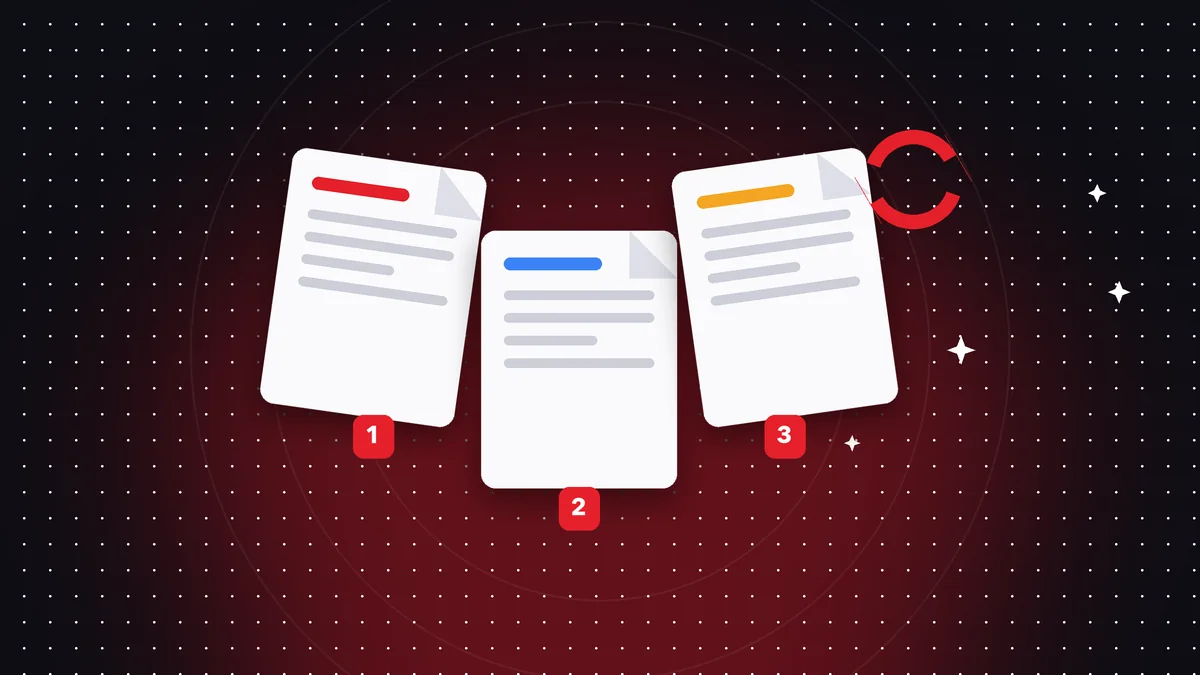
Scans often come out with crooked or out-of-order pages. Fixing it takes seconds if you use the right tool.

Try it now: Organize PDF
Choose your file and continue in the app. It is processed on your device, never uploaded to a server.
Rotate pages
Choose the pages and the angle (90°, 180° or 270°). You can rotate the whole document or just a few pages.
Reorder pages
In thumbnail view, drag the pages into place. You can also duplicate or delete the ones you don't need.
Save the result
Save a copy under a different name so you don't lose the original, especially if the document is important.
Reorder with thumbnails
Thumbnail view lets you see the whole document at a glance. Drag a page to its new spot and drop it; the rest shifts into place automatically. It is much faster than retyping page numbers.
Rotate only what you need
Scanners often deliver a few sheets sideways. Select those pages and rotate them 90° or 180°. If every page is crooked, rotate the whole document in one step with the rotate tool.
Delete and duplicate pages
Delete blank pages, repeated cover sheets or attachments that don't belong. If you need to repeat a sheet (for example, a template), duplicate it. Then review the document and save.
Frequently asked questions
Can I rotate just one page?
Yes.
How do I reorder pages?
By dragging the thumbnails.
Is it free?
Rotating is; organizing with thumbnails is Premium.
Can I undo a change?
Yes, until you save; once saved, go back to the original.
Does it change the quality?
No, pages are rearranged without being reprocessed.
Keep reading
 GuideHow to Add Page Numbers to a PDF
Number your documents by choosing position, format, and starting number. Ideal for papers, contracts, and repo…
Read article › GuideHow to Add a Watermark to a PDF
Protect and personalize your documents with a text watermark: confidential, draft or your name.…
Read article › GuideHow to Repair a Corrupted PDF That Won't Open
What to do when a PDF shows errors or won't open: common causes and how to try to recover it.…
Read article ›