 Rayo PDF GO
Rayo PDF GO Blog
Practical guides for working with your PDFs and images, step by step.
 GuideHow to Work With PDFs Without Uploading Them Online
What working with PDFs without uploading them really means: on-device processing, what needs a connection and what doesn…
Read article › GuideHow to Create a Strong Password for Your PDF Step by Step
Learn how to pick a strong password and lock a PDF in Rayo PDF GO without uploading the file anywhere. Includes common m…
Read article › GuideHow to Send Confidential Documents as a PDF Securely
A practical guide to emailing contracts, personal data, or sensitive information as a PDF: prepare the file, protect it,…
Read article › GuideHow to Tell if a PDF Is Safe to Open: A Clear Guide
Warning signs of a suspicious PDF, what to check before opening an attachment, and what to do if the file is corrupted. …
Read article › GuideHow to Sign a Contract Securely from Your Phone or Computer
A guide to signing a contract as a PDF without printing: what to check before signing, how to do it in Rayo PDF GO, and …
Read article ›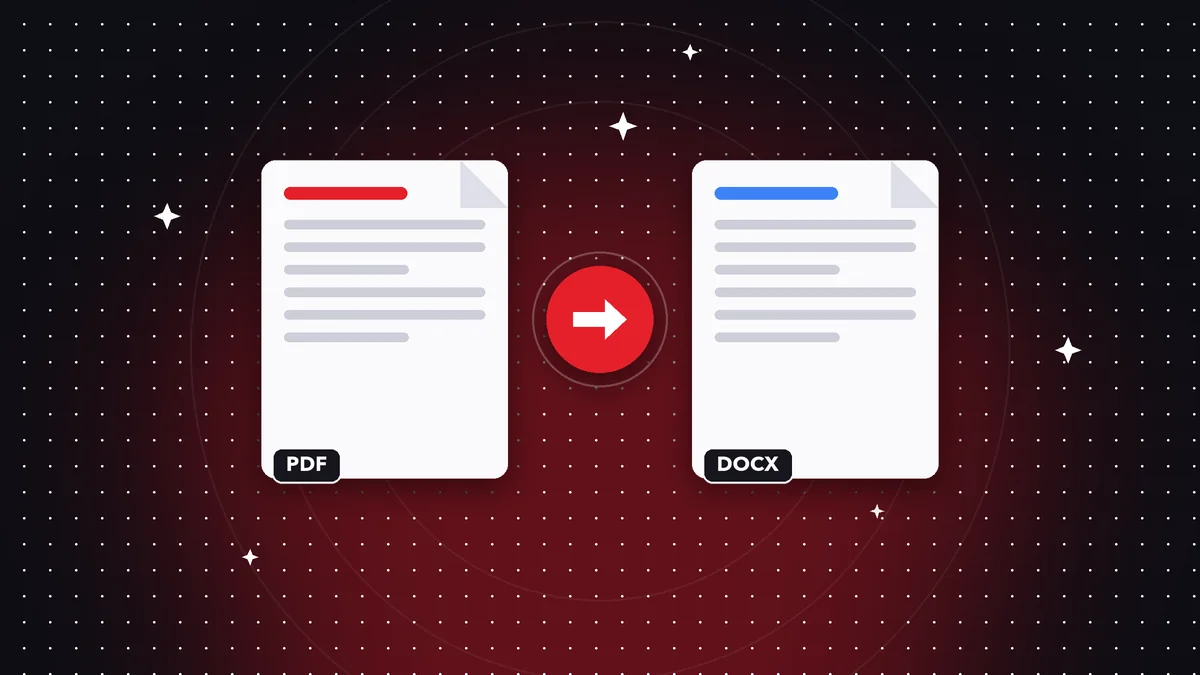 GuidePDF vs Word: Key Differences and When to Use Each Format
Compare PDF and Word: editing, formatting, file size, security, and compatibility. Find out which to choose and how to s…
Read article ›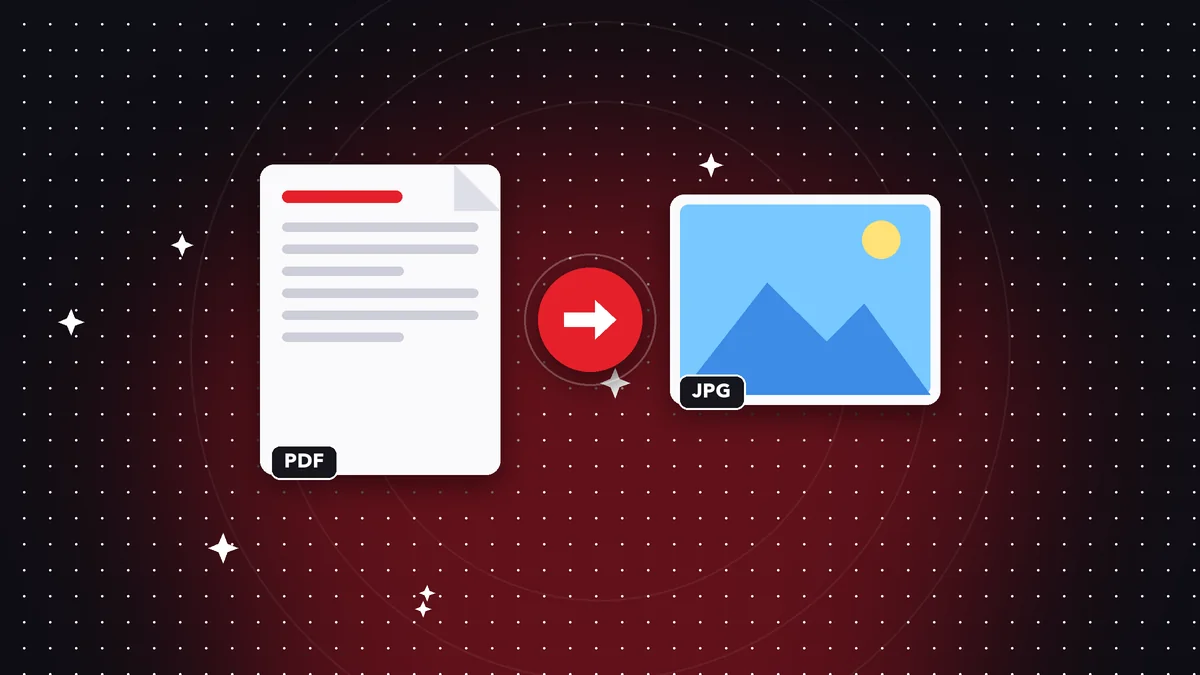 GuidePDF vs JPG: Which Format to Use for What You Need to Do
Compare PDF and JPG on quality, file size, text, and compatibility. Learn when each fits and how to convert PDF to JPG w…
Read article › GuideHow to Archive Documents as PDFs So They Last for Years
A simple method for archiving invoices, contracts, and certificates as PDFs: organization, file names, backups, and a fo…
Read article ›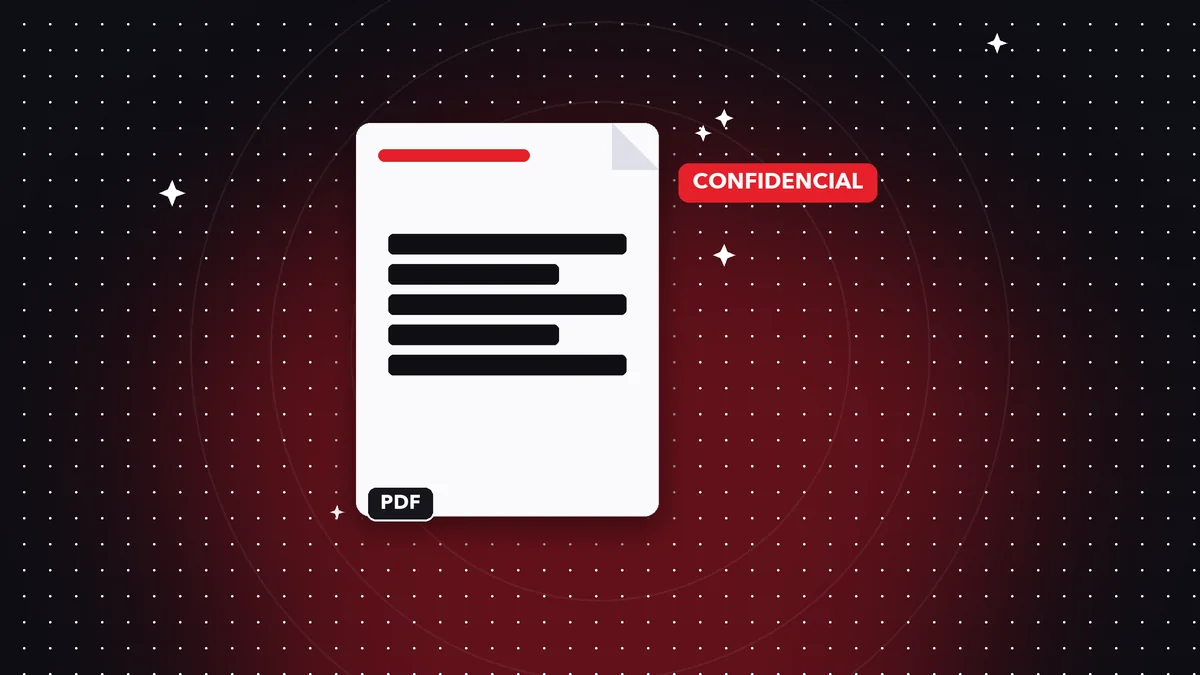 GuideHow to Protect Your Privacy When Sharing a PDF Safely
Learn to hide personal data, clean up metadata, and share a PDF without exposing extra information. Permanent redaction …
Read article ›